
Why one larger inquiry can still create more purchasing work
Combining replacement-part requirements into one inquiry looks efficient. It can reduce supplier conversations and give category teams one commercial review. The pressure appears when mower components, small-engine service parts, and other outdoor equipment lines arrive with different identifiers, fitment evidence, pack assumptions, and approval owners.
If buyers consolidate too early, a large spreadsheet can hide uncertainty rather than remove it. Similar descriptions may refer to different applications, prices may use different units, and one unresolved high-priority line can delay the entire decision. Effective outdoor power equipment parts sourcing therefore depends on control at the row level. The order can be broad, but every line must remain traceable from initial request through quote, approval, receiving, catalog setup, and reorder.
Consolidate around a buying decision, not just a supplier
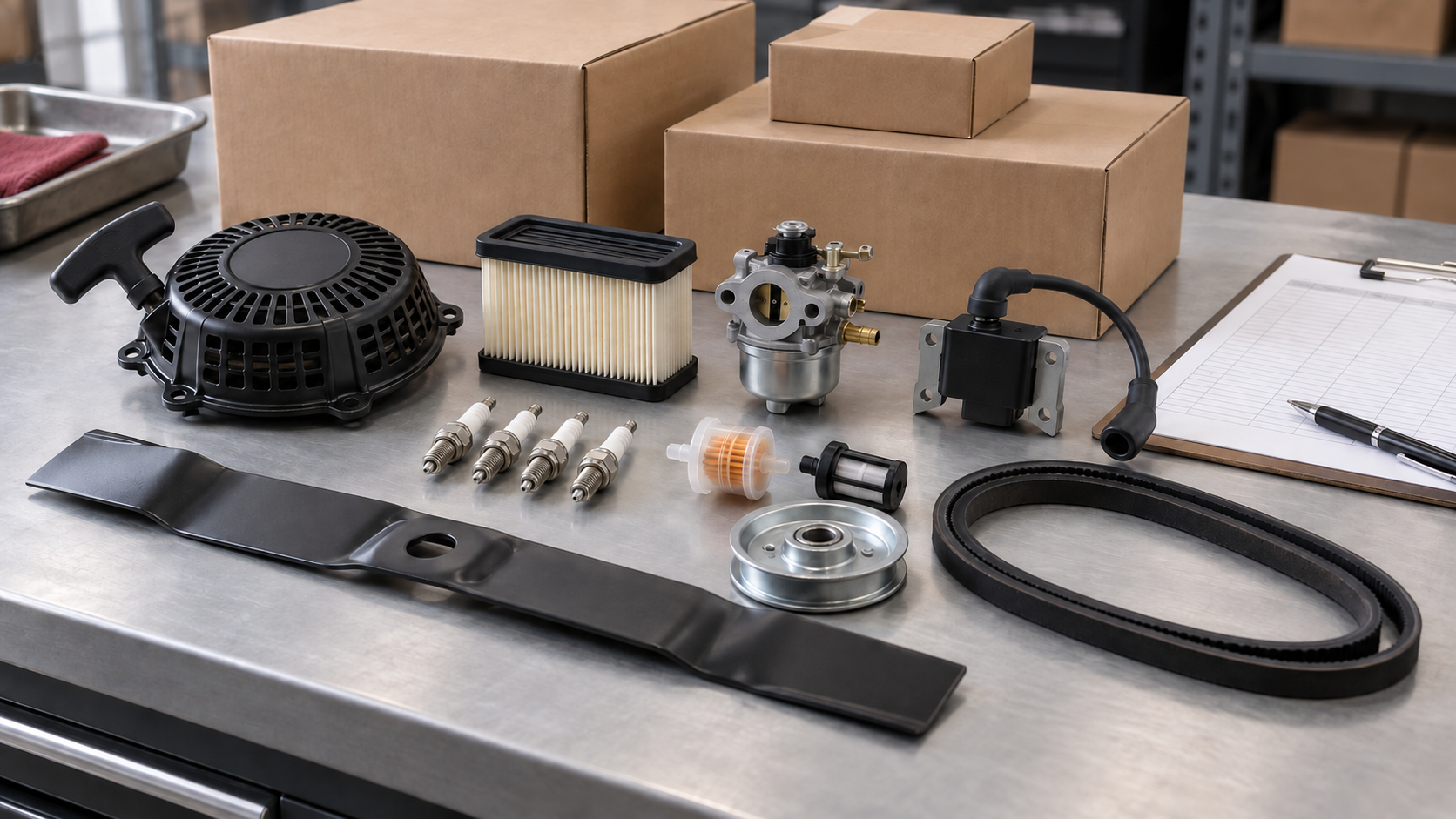
A consolidated order should contain items that can move through the same commercial decision window. That does not mean every line needs the same product logic. A mower blade, carburetor repair kit, air filter, recoil starter, and pulley require different fitment evidence, yet they can share a quote deadline, currency, shipping basis, destination, and internal approval cycle.
Before sending the request, divide lines into three working groups:
- Ready to quote: the buyer has a controlled reference, required quantity and unit, application evidence, and a clear product description.
- Needs supplier review: the line is commercially relevant, but the buyer needs a cross-reference, image comparison, or application question resolved.
- Discovery only: the buyer is exploring category coverage and has not approved a purchasing requirement.
Keep these groups in the same workbook if that helps category planning, but do not present all three as equally order-ready. This simple separation prevents exploratory lines from being mistaken for commitments and keeps unclear references from blocking confirmed demand.
Build a six-block consolidation worksheet
A useful worksheet gives purchasing, product, and supplier teams the same source of truth. Use one row per purchasable item and organize the columns into six blocks.
1. Control the source identity
Start with a unique row ID, the buyer’s SKU if one exists, the original reference exactly as received, and the source of that reference. Do not overwrite the original number when a supplier proposes an alternative. Add the proposed cross-reference in a separate field and retain the mapping note.
2. Describe the application evidence
Record the machine type, known model or engine information, and any photos, dimensions, or distinguishing features used in the review. Label the source and revision of every attachment. A family name can guide a search, but it should not silently become final fitment approval.
3. Define the purchasing unit
State the requested quantity and whether it means pieces, sets, kits, or packs. If several packaging options need comparison, give each option its own row or require the supplier to identify the quote unit explicitly. This keeps an apparently attractive line price from being compared against a different pack basis.
4. Separate required and optional commercial fields
Decide which fields must be complete before review: currency, quote unit, packaging description, availability response, and the commercial terms requested for that specific inquiry. Keep optional alternatives in separate columns. Never fill missing values with an assumed minimum, lead time, stock position, or price.
5. Record decision status and ownership
Assign an internal owner and a simple status such as ready, clarification required, sample review, approved, or held. The owner may differ by category. A product specialist can approve fitment while purchasing approves commercial terms, so capture both decisions when your process requires them.
6. Preserve the reorder record
Once a line is approved, retain the final supplier code, approved description, reference mapping, pack basis, evidence, and revision date. The goal is not merely to place the first order. It is to make the second order faster without relying on an old email thread or an individual’s memory.
| Worksheet block | Minimum useful fields | Problem it controls |
|---|---|---|
| Source identity | Row ID, buyer SKU, original reference, source | Reference confusion |
| Application | Machine or engine data, evidence, open question | Fitment assumptions |
| Purchase unit | Quantity, unit, pack option | False price comparisons |
| Commercial response | Currency, quote unit, packaging, current response terms | Incomplete offers |
| Decision control | Owner, status, approval note | Unclear responsibility |
| Reorder record | Approved code, description, mapping, revision | Repeat clarification |
Choose which categories belong in the same batch
Mixed-category parts sourcing works best when the combined lines share a business purpose. One batch might support a seasonal stocking window, a new dealer assortment, a regional service network, or replenishment of related fast-moving categories. The reason for the batch should determine its deadline, approval sequence, and comparison rules.
Do not combine lines merely to make the spreadsheet longer. Separate a category when it has a different delivery destination, incompatible approval calendar, unresolved regulatory question, or evidence requirement that the current team cannot evaluate. You can still ask the same supplier about it, but a separate decision block keeps one category’s uncertainty from distorting another’s readiness.
Use the site’s live scope as an initial filter. Yeahparts currently presents categories such as lawn mower parts and carburetors and repair kits. These pages can help a buyer identify relevant product paths, but they do not prove that every requested reference or configuration is available. Put each required reference into the inquiry and wait for the current response.
Compare supplier replies without losing line-level detail
When replies arrive, normalize them into a comparison view while preserving the original files. Compare completeness before comparing price. A supplier that leaves units, mappings, or open questions unclear creates work that the headline total does not show.
- Confirm row coverage. Mark every requested row as quoted, unavailable, alternative proposed, or clarification required.
- Normalize units. Make pieces, sets, kits, and packs visible before comparing extended values.
- Isolate alternatives. Do not replace the requested reference with an alternative; show both and require a review decision.
- Score evidence readiness. Distinguish a documented match from a broad compatibility statement or an unanswered question.
- Review the usable basket. Compare the value and coverage of approved lines, not a total that includes unresolved or unmatched items.
A structured aftermarket replacement parts RFQ checklist can supply the shared quote fields. The consolidation worksheet adds the category, ownership, and release logic needed when multiple product groups enter one sourcing event.
Understand the costs hidden by a poorly controlled combined order
Quote totals can conceal gaps
A total may look competitive because high-value or difficult lines were omitted, quoted under another unit, or replaced without a visible note. Coverage and decision readiness should sit beside price.
Fitment questions can spread across categories
When attachments and comments are not tied to row IDs, a photo or measurement can be applied to the wrong item. This becomes harder to detect as more categories and reviewers join the file.
Receiving and catalog teams inherit ambiguity
If the purchase order does not carry the approved code, description, unit, and revision forward, receiving may not know what arrived and catalog teams may publish an unverified mapping. Fixing that downstream costs more attention than controlling the row before release.
Reorders restart the sourcing process
A consolidated order only creates lasting efficiency when its approved records remain reusable. Without versioned mappings and stable item identities, the team repeats clarification on the next buying cycle.
Use release waves when the basket is uneven
Buyers do not need to wait for every line to reach the same state. Release confirmed, commercially approved items as one decision wave and keep unresolved lines in a controlled hold group. This protects the order-ready basket while preserving visibility of future opportunities.
Set a review date for held lines and name the evidence required to move each one forward. A hold should be an explicit decision, not a forgotten blank cell. This approach also helps teams consolidate parts orders without letting a discovery project dictate the schedule for replenishment demand.
Where Yeahparts fits
Yeahparts presents aftermarket replacement parts across lawn mower, small-engine, and other outdoor equipment categories. For a mixed inquiry, a buyer-controlled worksheet with priority references, application evidence, quantities, units, category ownership, and visible open questions creates a practical starting point. Product scope, fitment, and commercial details should then be confirmed in the current quotation rather than assumed from a general category page.
Buyer FAQ
Should every category use the same fitment fields?
No. Keep common control fields across the workbook, then add category-specific evidence columns where needed. The shared structure supports comparison without pretending every part is identified in the same way.
How should buyers handle supplier-proposed substitutions?
Keep the requested reference and proposed alternative in separate fields. Record the supplier’s explanation, required evidence, reviewer, and approval status before the alternative enters an order or catalog.
Is a single total enough to compare consolidated quotes?
No. Compare row coverage, units, approved alternatives, evidence status, and the value of the usable basket. Totals containing unresolved lines are not directly comparable.
What belongs in the reorder master?
Retain the approved supplier code, buyer SKU, controlled description, reference mapping, pack basis, evidence, owner, and revision. Keep the original quote as a source record rather than treating it as the master itself.
When should a line stay outside the combined order?
Separate it when its destination, approval timing, evidence burden, or unresolved risk would prevent the rest of the basket from moving through a clear decision process.
Prepare one controlled mixed-category inquiry
Group the order-ready lines, preserve open questions, and identify which records must survive into receiving, catalog setup, and reorder. Send your focused parts list to Yeahparts for a current product-scope and quotation review.


Add comment